Calendar
Economic calendar
Releases, forecasts and previous prints, filtered down to the markets you actually trade, in the platform clock.
Desktop and WebTrader
Install the desktop app, or open WebTrader in a browser. Same balance, same prices, same execution — you choose where you work today.
Every screen on this page is an illustration of the interface. Prices, balances and log lines are demonstration data.
01 One platform
Orders go straight to our own matching engine. The price on your screen is the price your order meets.
Order engine
Sessions travel over TLS 256-bit. Credentials are hashed, never stored in the clear, and the platform signs you out on its own.
TLS 256-bit
No second account, no wallet to fund, no transfer to wait for. Hedge a pair and hold a crypto CFD from the same margin.
One margin
Scalp on the 1-minute chart or hold a view for a year. Same instrument, same window, one click between the two.
1 min → 1 Y
02 Desktop
Install it once on Windows, macOS or Linux. Everything heavy lives here: robots, historical tests, and several accounts side by side in one window.
Sample test run, illustrative data. A backtest replays history — it never sends an order to the market.
03 WebTrader
WebTrader opens in the browser you already have. A borrowed laptop, a locked-down office machine, a hotel desktop — your account is one login away.
04 On the move
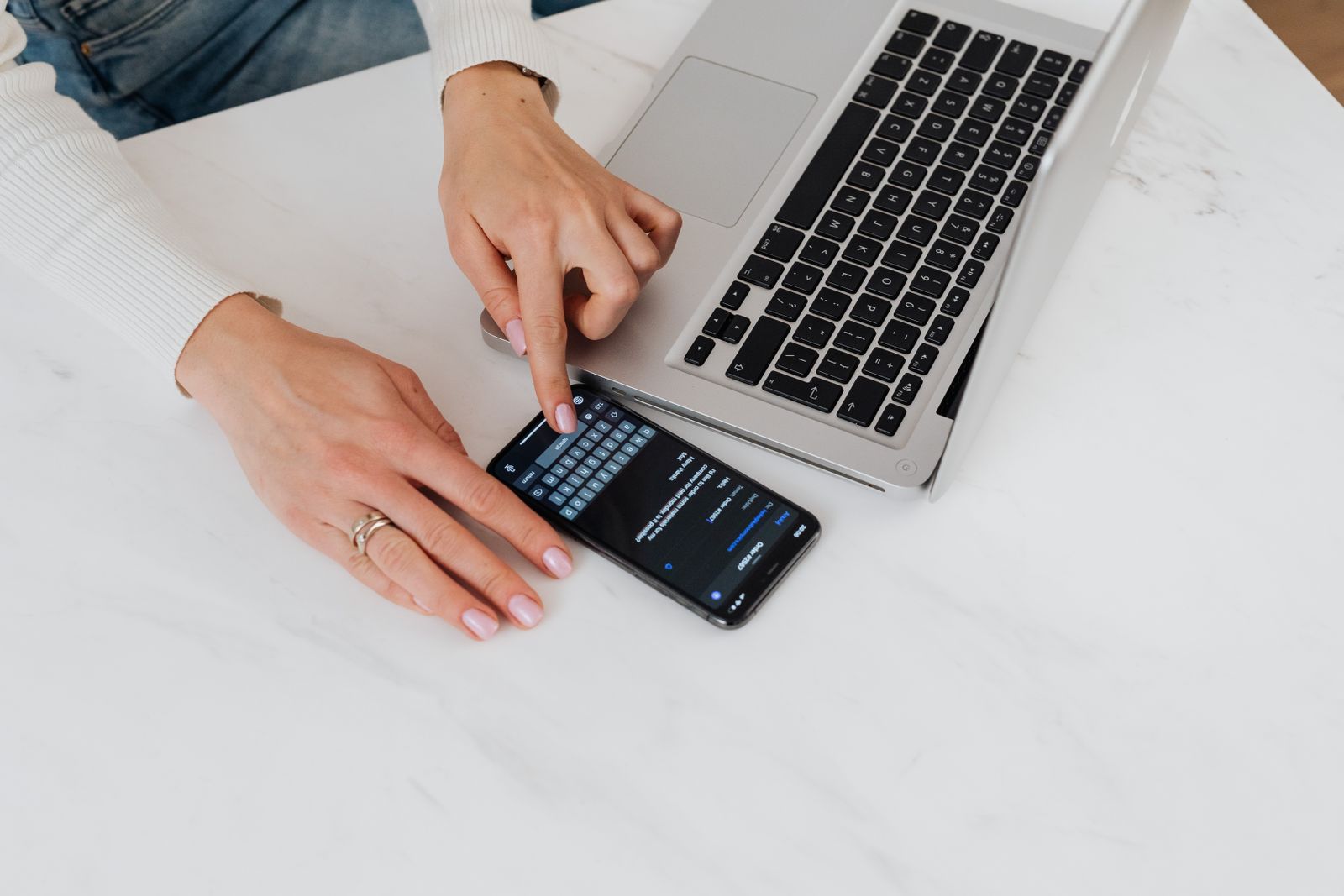
Check the account between meetings. Watch a level, take the alert, close a position. The phone talks to the same engine as the desk — it is the same login, not a lighter product.
Same login
Phone in one hand, laptop on the table. One account behind both.
05 Side by side
Everything below sits inside the same account. Pick the version that matches the machine you are sitting at — and switch whenever you want.
| Feature | Desktop | WebTrader |
|---|---|---|
| Algo trading (robots) | Included | Not included |
| Backtesting on historical data | Included | Not included |
| Several accounts at the same time | Included | Not included |
| Timeframes from 1 minute to 1 year | Included | Included |
| Forex and crypto in the same account | Included | Included |
| Price alerts | Included | Included |
| Nothing to install | Not included | Included |
Scroll the table sideways to see every column.
Prices, spreads and order routing are identical in both versions. The difference is where the software runs, not what it costs you.

Illustrative photography
06 Ecosystem
Four things you would otherwise stitch together yourself. They are part of the account, not an add-on you buy later.
Calendar
Releases, forecasts and previous prints, filtered down to the markets you actually trade, in the platform clock.
Charts
Indicators, drawing tools and saved layouts, from the 1-minute candle to the yearly view, on desktop and in the browser.
Infrastructure
Keep robots running while your own machine is off. Discounted from the Advanced tier, included from Professional up.
Partners
Introduce clients and follow them in a dedicated panel: registrations, funding status and your own reporting.
07 Technical sheet
Desk time 00:00:00 UTC
< 30 ms
Average execution time
Illustrative figure
99.9 %
Platform uptime
Illustrative figure
1,200+
Instruments in one account
Illustrative figure
Latency and uptime are illustrative demonstration figures, measured under normal market conditions. Execution speed depends on your connection, your distance from the servers and how the market is behaving at that moment.
Open the account, sign in to WebTrader in the same browser, and install the desktop app when you want the robots.